Get Started with Focused
Your distraction free campus experience begins here. Follow the steps below to set up, customization and activate your focus zone.
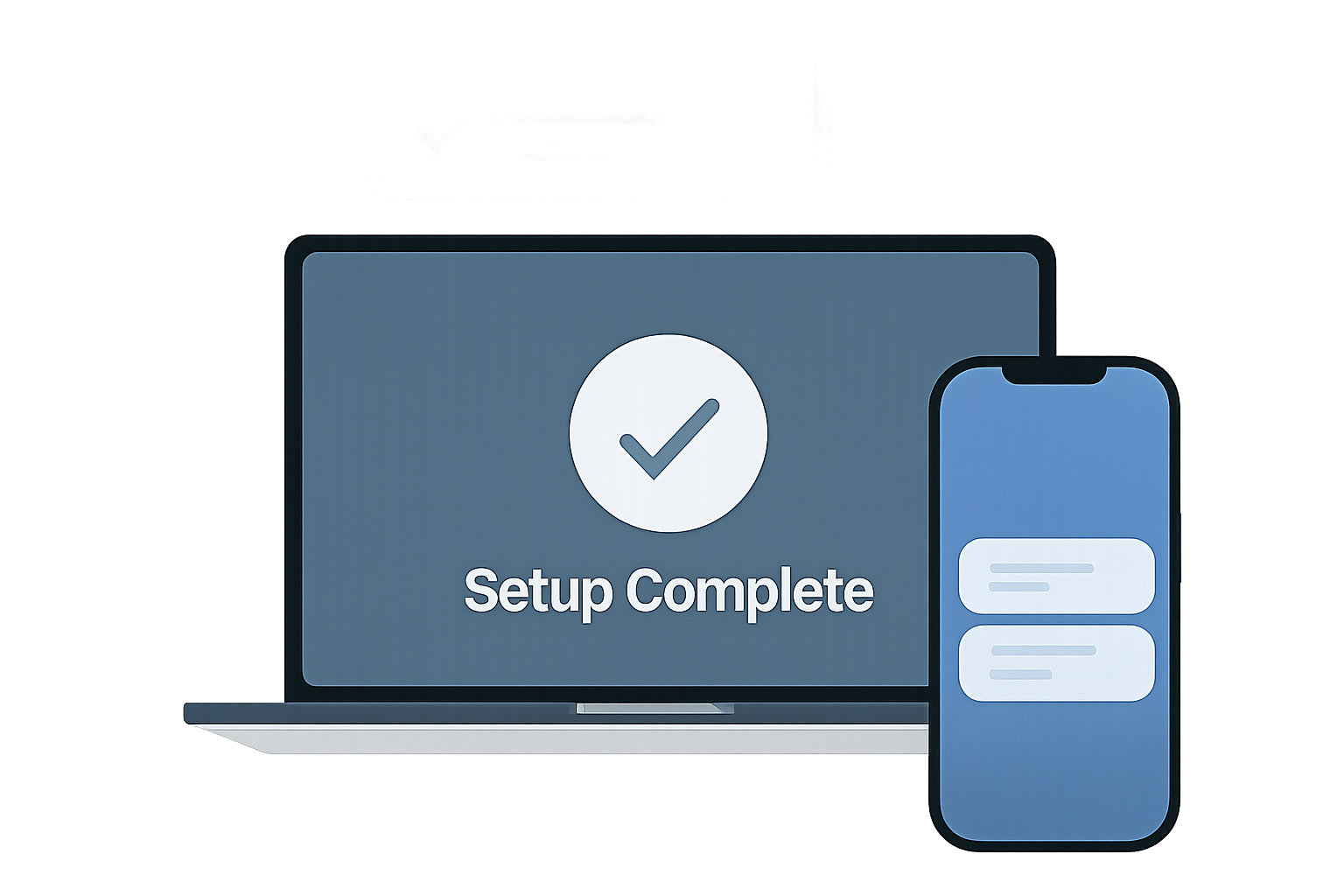
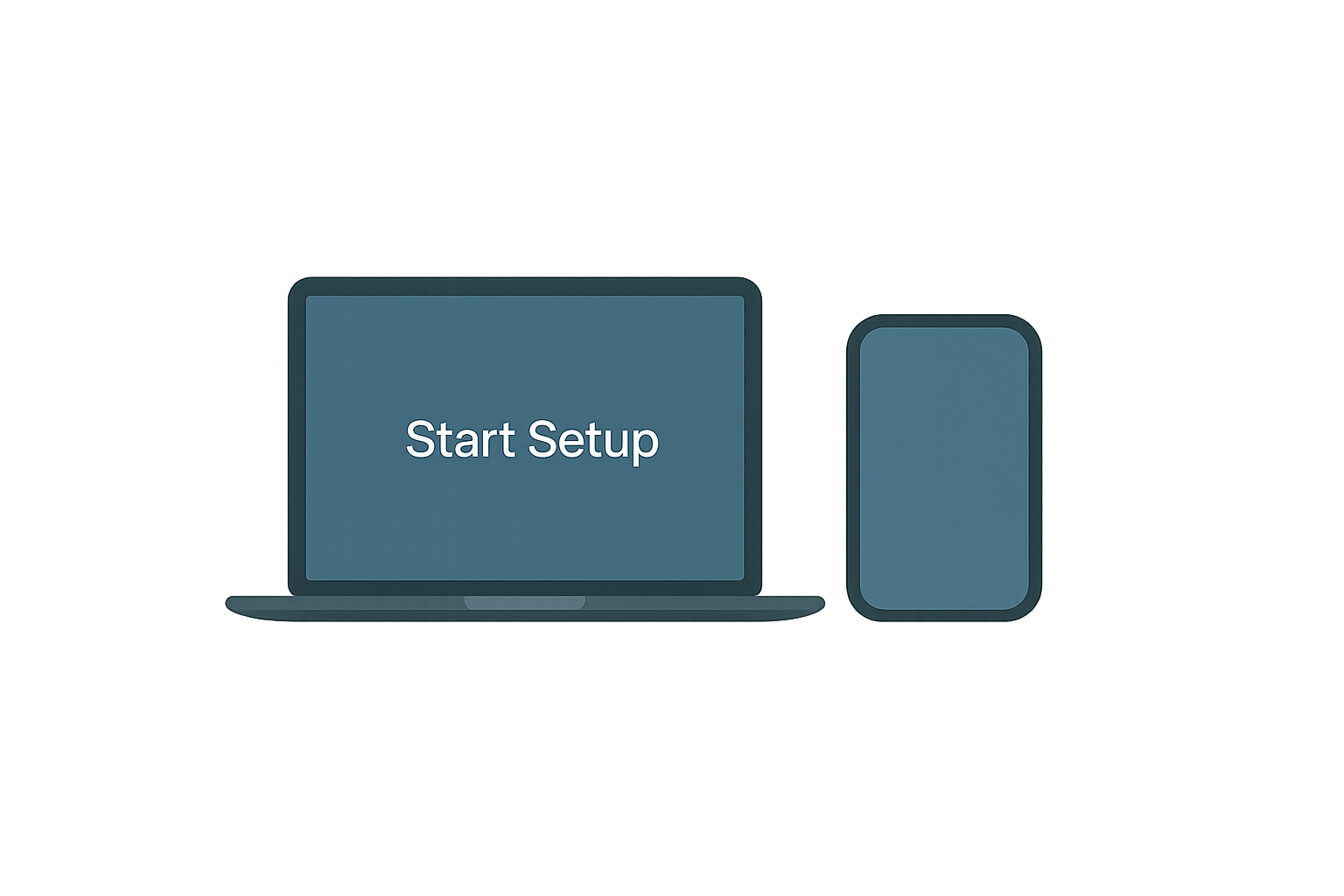
1. Install and open FOCUSED
After downloading, open the FOCUSED app on your laptop or phone
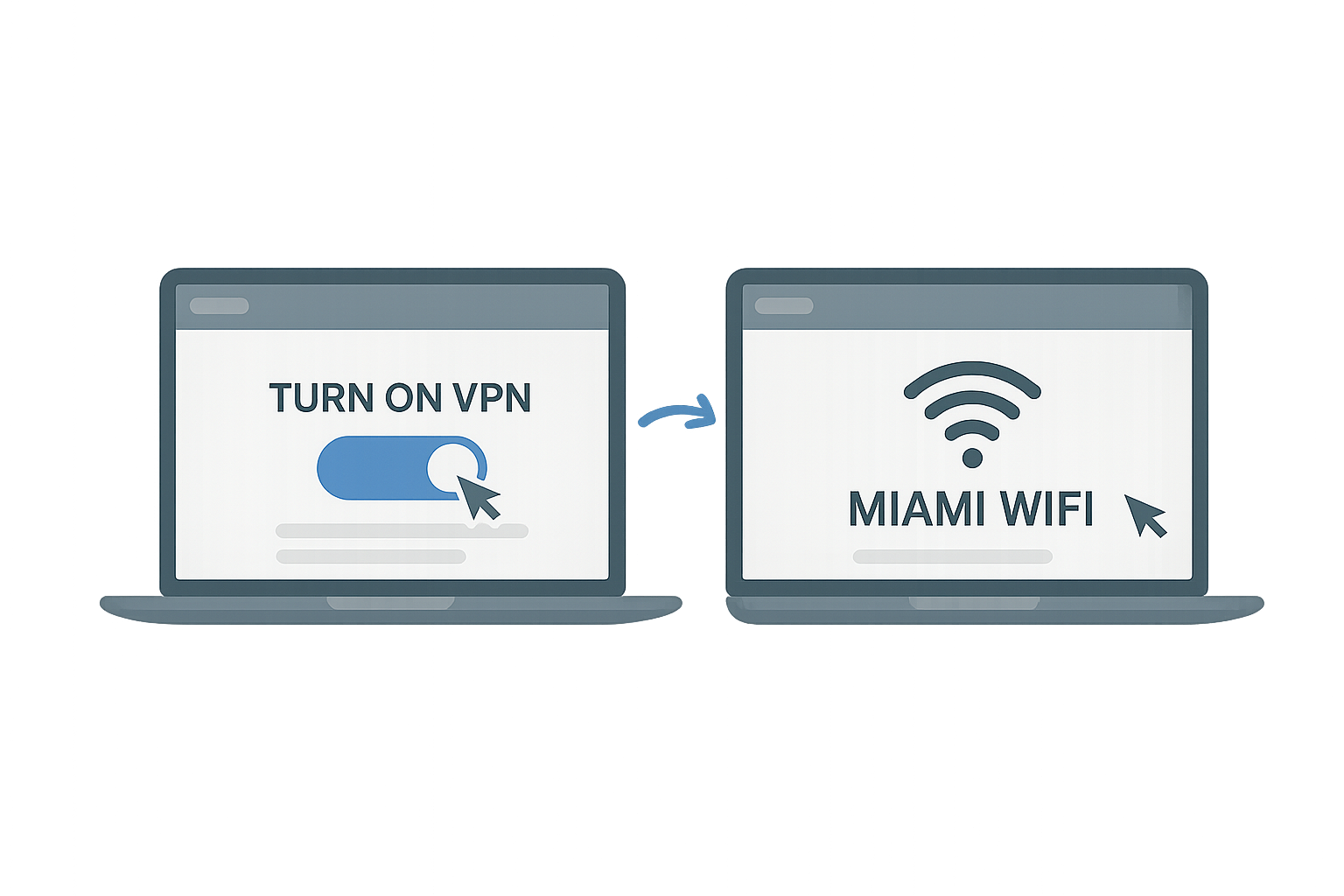
2. Connect to campus
Login with Miami University, then join the campus Wifi
3. Customize your focus map
Select campus building and set each one’s focus level
4. Start Focus Mode
Begin filtering distractions: After classes, see your summary
Who actually builds the VPN
FOCUSED is the concept and experience design, not a fully built out VPN
To make this real, Miami University would partner with an existing network security company (like Cisco, Cloudflare, or Palo Alto Networks).
They would:
Build the secure VPN + filtering system
Integrate it with campus Wi-Fi and authentication
Help manage privacy, security, and uptime